







A3700 Merchant Quick Guide
1. Mount the Device (if a mount is supplied)
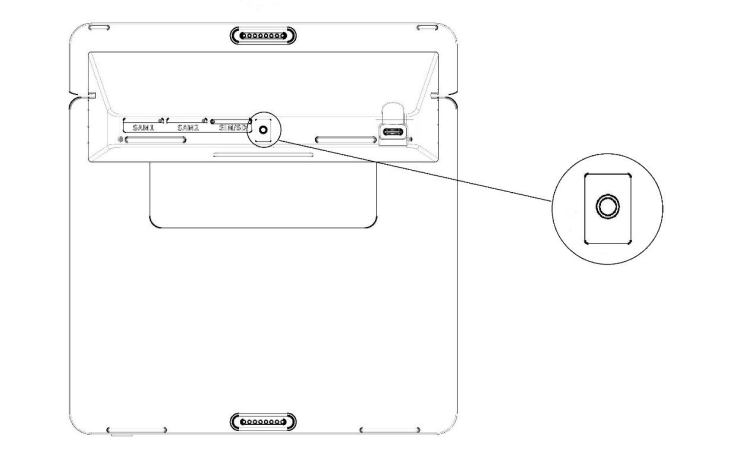
The A3700 includes a mounting point that can be used with a suitable mounting bracket or wall mount.
- Mounting screw: M3
- Maximum screw depth: 5 mm
- Make sure the device is securely fixed before use.
2. Charge the A3700 with the USB-C Cable

Connect the supplied USB-C cable to the A3700 charging port and to the appropriate power source. The built-in battery takes approximately 3 hours to charge.
3. Charge the A3700 via the L1400
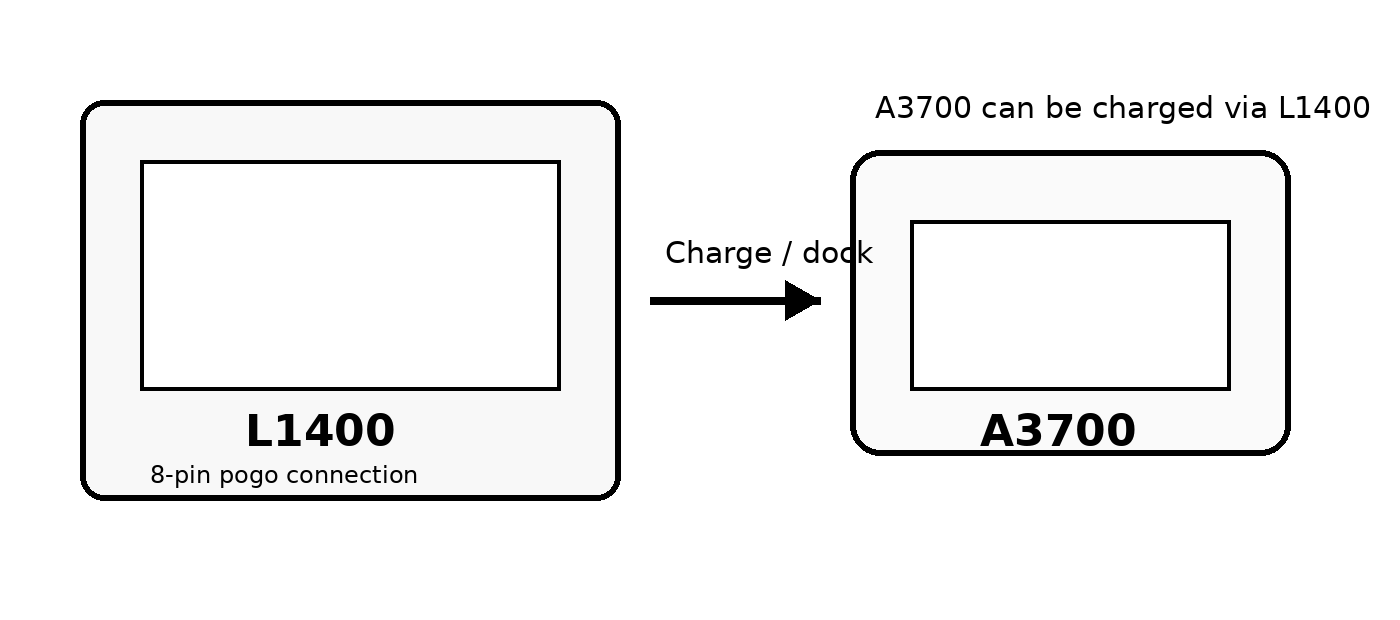
The A3700 can also be charged when connected to the L1400. Align and connect the device using the supported L1400 tablet/pogo connection, then make sure the L1400 is connected to power.
4. Power On / Power Off
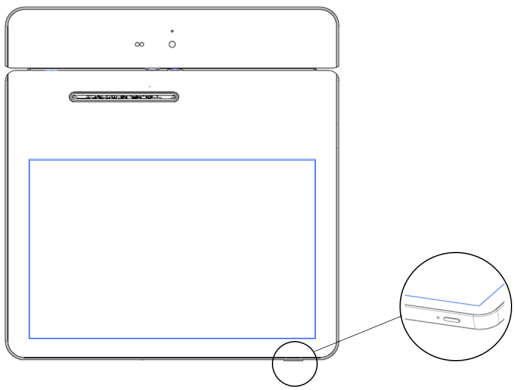
Power on: With the device turned off, press and hold the Power button until the PAX logo appears.
Power off: Press and hold the Power button until the confirmation screen appears, then select Yes to power off the device.
Sleep: Press the Power button once to turn off the display and enter sleep mode. Press it again to resume operation.
5. Payment Methods Supported
- Magnetic stripe card
- Chip / smart card
- Contactless / NFC card or device
Note: SIM-card installation has intentionally been removed from this merchant guide.
Contact PAX Technology Australia
Address: Level 5, 26 Talavera Road, Macquarie Park, NSW 2113, Australia
Tel: +61 413 841 534
Support: swsupport@paxtech.com.au
Website: www.paxtech.com.au
PAX Technology Australia (PTA) continually invests to maintain its high-quality products up to date with the latest certifications. A comprehensive list can be requested via the website’s contact form or downloadable product brochures.

